Bring everyone together in the photo that matters.
Upload a group photo and a photo of someone who couldn't be there. Our AI helps create a natural, complete image that feels true to the moment.
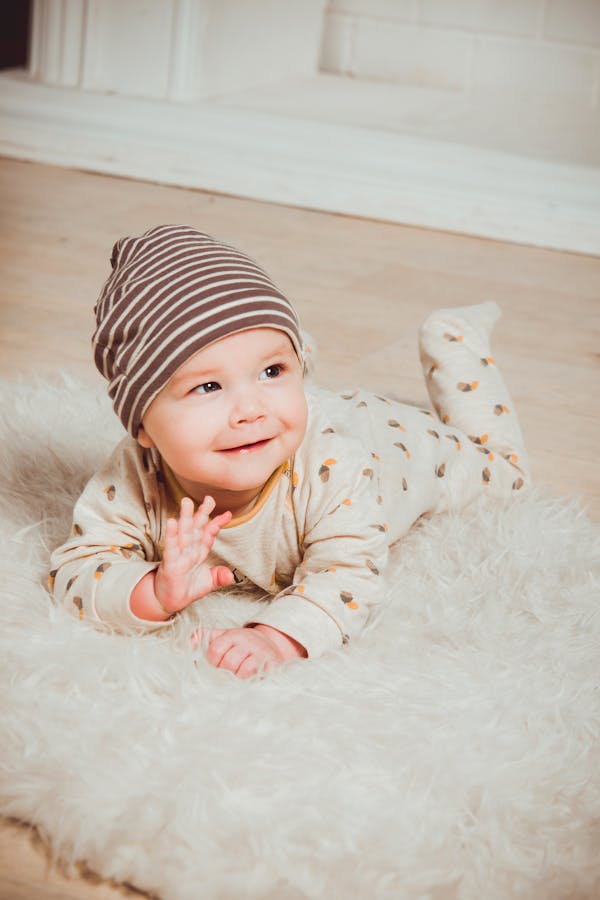
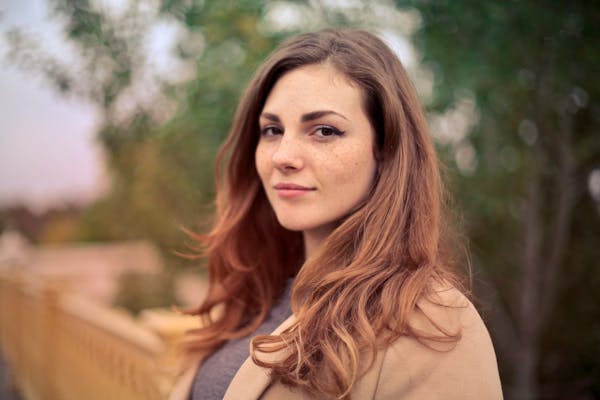
Some moments deserve to feel complete.
Whether it's a family gathering or a graduation, every group photo can include everyone who matters.
Family gatherings
Include the loved one who couldn't make it to the family photo.
Friends' reunions
Bring the friend who missed the trip back into the memory.
Graduation photos
Create the class photo you all wish you had.
Weddings & anniversaries
Make sure no one is left out of these milestone moments.
Team & company photos
Include team members who couldn't attend the photo session.
Old family photos
Restore and complete vintage photos with people who weren't there.
Create a complete group photo in minutes.
A simple process designed to respect your time and your memories.
Upload the group photo
Choose the photo you want to complete.
Upload a photo of the person
A clear photo of whoever couldn't be there.
Choose placement
Pick where and how they should appear in the scene.
AI matches the scene
Lighting, tone, scale, and style are matched automatically.
Preview & download
Review the result and download in full resolution.
Start with two photos.
Illustrative source-photo pairs showing the inputs used by the workflow. They are not customer results; AI output varies.
 Group photo
 Portrait
“Family group and portrait source photos.”
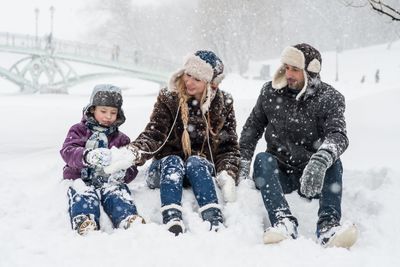 Group photo
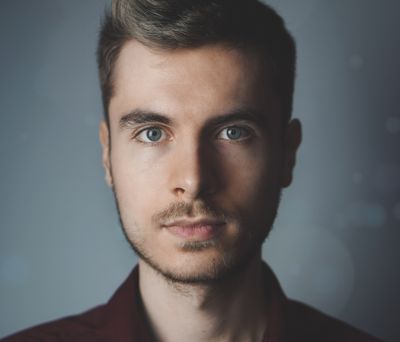 Portrait
“Friends group and portrait source photos.”
 Group photo
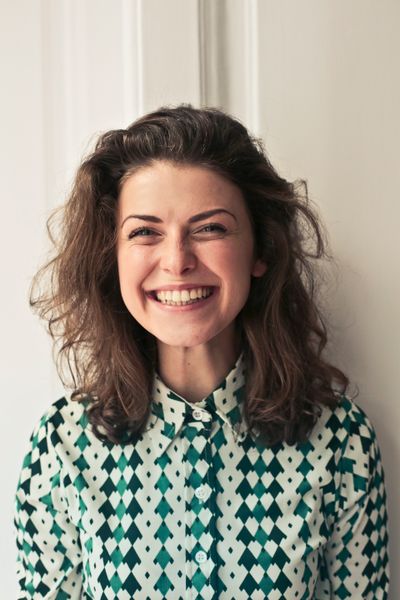 Portrait
“Graduation group and portrait source photos.”
Natural results, not simple copy-and-paste.
Our AI goes far beyond basic editing to create photos that feel authentic.
AI lighting & shadow matching
Automatically matches the direction, color temperature, and intensity of light in the original photo.
Face & body proportion adjustment
Scales the person naturally to match the depth and perspective of the scene.
Color, tone & style blending
Matches the color grading, warmth, and photographic style of the group photo.
Old & black-and-white photo support
Works with vintage photos, matching grain, contrast, and era-appropriate styling.
Manual placement & fine-tuning
Choose exactly where the person appears and adjust until it feels right.
High-resolution download
Download high-resolution images suitable for sharing and keepsake prints.
Full-size result review
Inspect the generated result at full size before downloading or sharing it.
Your photos are personal. We treat them that way.
We understand these are meaningful, private images. Here's how we protect them.
Source photos are stored privately behind account access
A result is public only after you create a share link
Delete a keepsake and its source photos from your gallery
AI providers receive files only to process your requested generation
No photos are used in public examples without permission
Authenticated server processing keeps provider keys out of the browser
Clear disclosure that results are AI-assisted edits
Made for meaningful memories, with respect.
Please only upload photos you have the right to use, and make sure you have permission when creating images of other people. Our product is designed for personal memories, family moments, and respectful creative use.
Credit packages for careful photo creation.
No subscriptions. Credits are delivered to your account after checkout and can be used for standard or difficult photo sets.
Starter Credits
$1.25 per credit
Enough for one difficult old-photo attempt or several standard tests.
- 8 flexible credits
- Smart quality routing
- 2K download quality
- Shareable link
- Private gallery storage
Family Credits
$1.00 per credit
For families testing several placements and source-photo combinations.
- 30 flexible credits
- Quality routing for difficult photos
- 2K download quality
- Shareable links for all
- Private gallery storage
- Flexible use across several keepsakes
Legacy Credits
$0.87 per credit
For memorial albums, many family moments, and repeated quality refinement.
- 80 flexible credits
- Same quality-first processing
- Best value per credit
- Made for multiple family keepsakes
Frequently asked questions.
Our AI matches lighting direction, shadows, color temperature, skin tones, and depth-of-field to the original photo. Most results look natural enough to frame and display.
Use a clear, well-lit photo where the face is visible. For the group photo, choose one with space where the person could naturally fit — a gap in the group, the edge of the frame, or an empty seat.
Yes. Our AI can match vintage photo styles, grain, contrast, and even black-and-white tones to blend naturally with older photographs.
Currently, you can add one person per generation. To include multiple people, create separate versions or contact us for custom requests.
Yes. Many families use Back In The Picture to create memorial keepsakes — placing a loved one back into recent family moments. We encourage thoughtful, respectful use and recommend having family consensus.
Source uploads and results are stored privately behind your account. A result becomes accessible through a public page only when you choose to create a share link. You can delete the keepsake from your gallery.
Yes. Delete the keepsake from your gallery to remove its source photos, result, share page, and active generation record. Temporary provider copies may take a short time to expire.
Yes. Please only upload photos you have the right to use, and ensure you have appropriate permission when creating images of other people.
You can generate another version with different placement guidance. If a result clearly fails the core product promise, contact support and we will review the attempt under our refund policy.
The Pro/Studio plan includes commercial usage rights. Free and standard plans are for personal use only.
Make the photo feel complete.
Upload your photos and create a warmer, more complete memory in just a few minutes.
Create Your Photo